


In the world of digital creativity, the "industry standard" often comes with a hefty monthly subscription that can drain a freelancer's or hobbyist's wallet. Enter Krita, the open-source champion that isn't just a "free alternative"—it's a professional-grade powerhouse that many artists now prefer over paid giants.
Why Krita is Winning the Creative War
Krita's rise to prominence isn't just about the price tag (though $0 is a hard price to beat). It's about a software architecture designed by artists, for artists. Unlike general-purpose photo editors, Krita's focus is laser-targeted at digital painting, concept art, and 2D animation.
1. Professional-Grade Brush Engines
Krita features over nine unique brush engines, including a color smudge engine, sketch engine, and even a particle engine. This allows for a level of customization that mimics traditional media—like oils and watercolors—with startling accuracy.
- Stabilizers: For those of us without the steadiest hands, Krita offers three different ways to smooth out your strokes in real-time.
- Wrap-around Mode: A game-changer for texture artists, this mode allows you to create seamless tiled patterns instantly.
2. Truly Cross-Platform Reliability
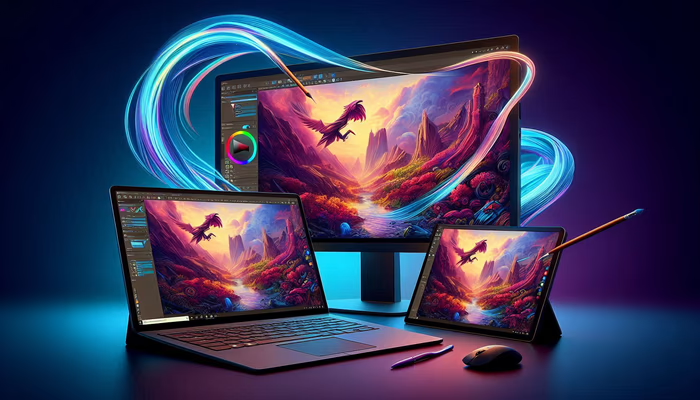
One of Krita's greatest strengths is its accessibility. Whether you are a Windows power user, a macOS enthusiast, or a Linux devotee, Krita runs natively and reliably.
- Linux Native: While Photoshop users on Linux have to jump through hoops with emulators, Krita is a first-class citizen on the platform.
- Android/ChromeOS: Recent updates have even brought Krita to tablets, allowing for a mobile workflow that keeps your projects in sync across devices.
Reliability and Performance
Krita 5.x has introduced significant performance boosts. By leveraging GPU acceleration (OpenGL or Direct3D), the software handles massive canvases and complex layering without the lag that used to plague open-source tools. The "Resource Manager" makes it easy to import massive brush packs and textures from the community without crashing the system.
Seeing is Believing: Krita in Action
To truly understand why the community is buzzing about this software, you have to see the workflow. The following demo showcases how intuitive the interface is for a professional painting project.
Watch the Demo Video: Learn Krita Faster in 2026
Thanks to the Krita YouTube Channel for sharing tutorials and showing what this software can do.
Krita Extras
For brushes, plugins, textures, tutorials, and more curated by the community, see the Awesome Krita list on GitHub — a handy collection of Krita resources to extend your workflow.
Final Verdict
If you are tired of "renting" your creative tools, Krita is the answer. It is stable, feature-rich, and supported by a global community that ensures it stays at the cutting edge of digital art technology.
Ready to start your journey? Visit the Official Krita Website to download the latest version for free.